 BeforeAfter
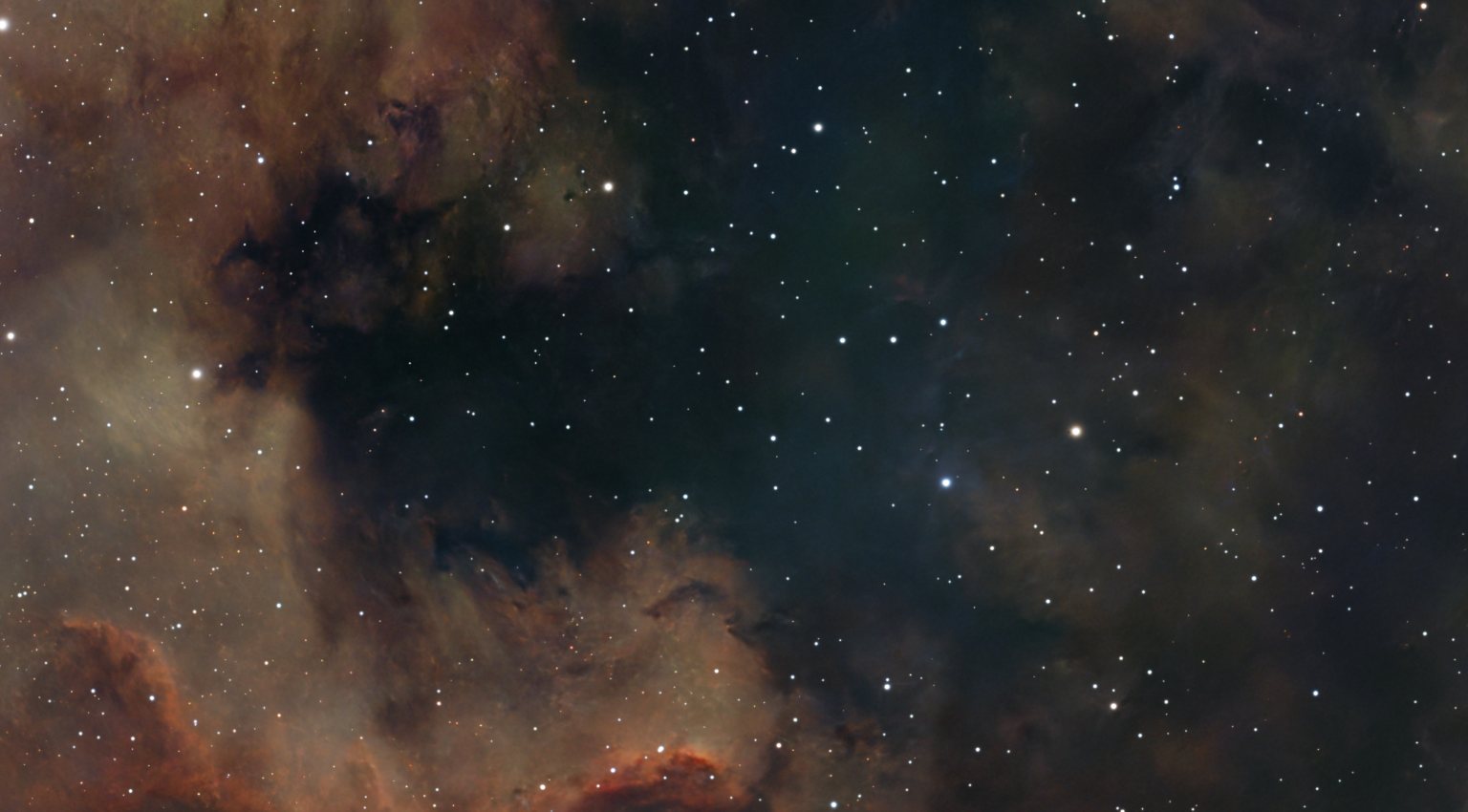
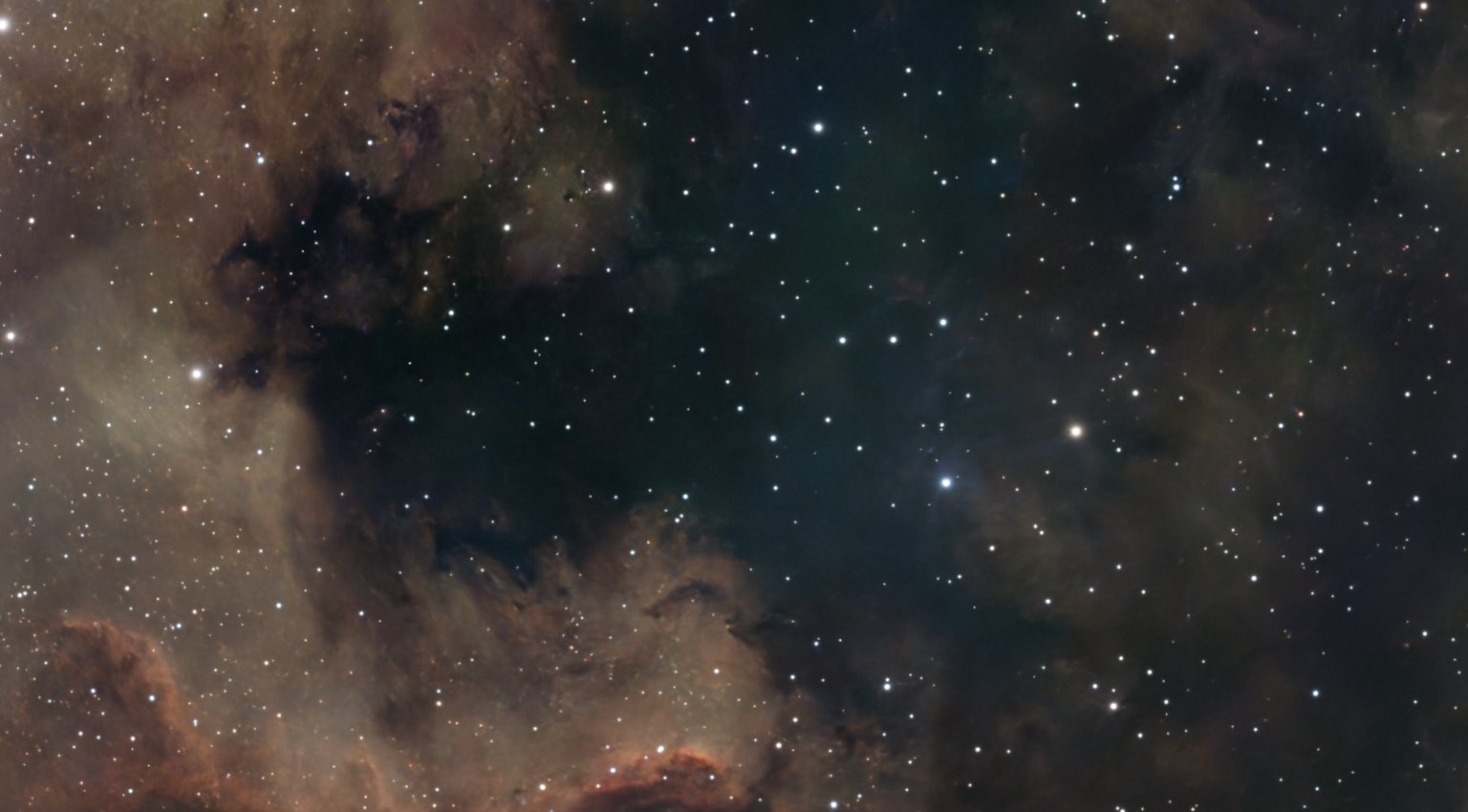
Boost Red (Hα)
Deepens the red hydrogen-alpha regions and leaves teal alone.
Tools / Enhancements
Finishing step
Eleven optional finishing touches for colour, stars, dust, glow and detail. Each tap gives a small nudge, and taps add up. Every tap is its own step, so you can undo exactly as far as you like.
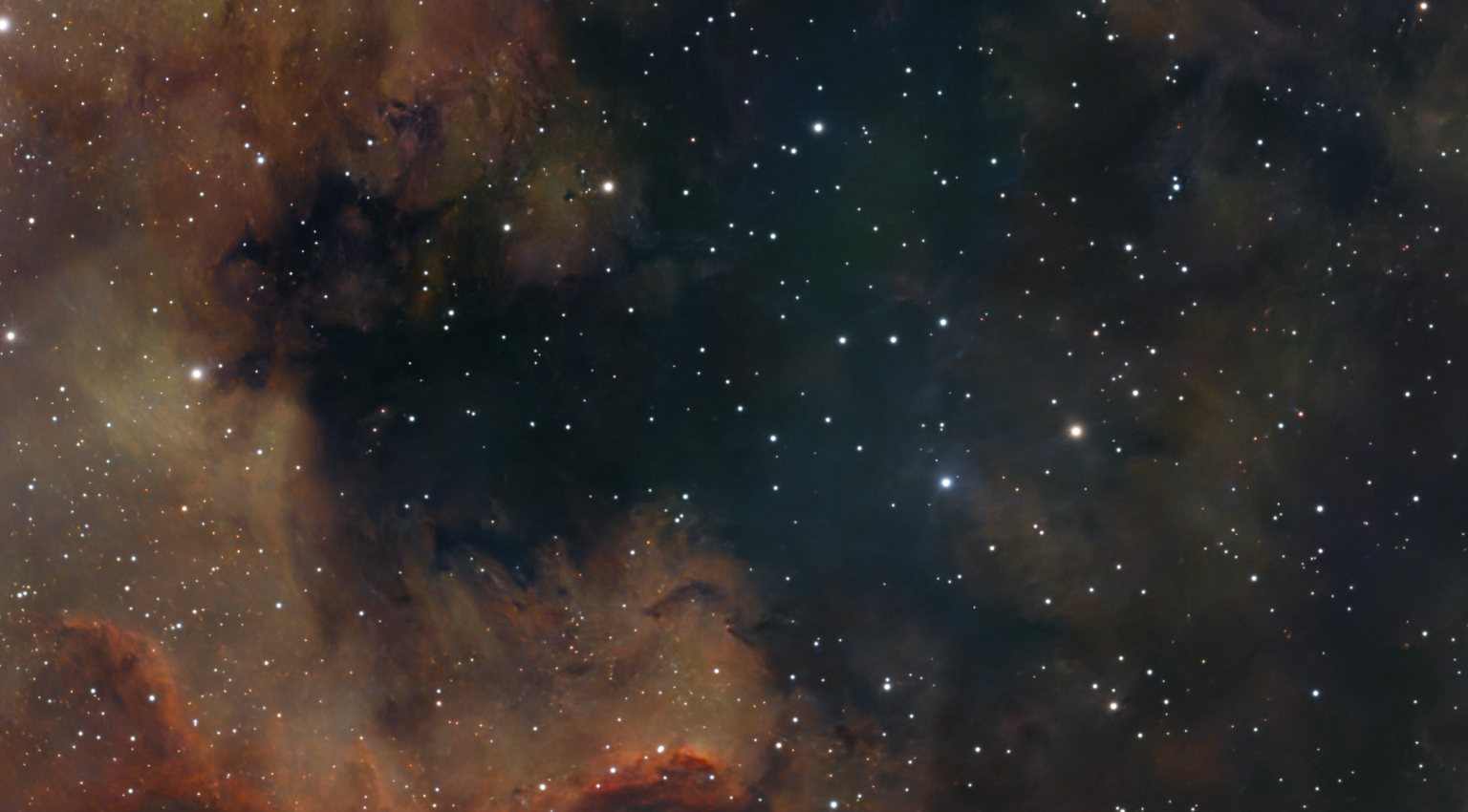
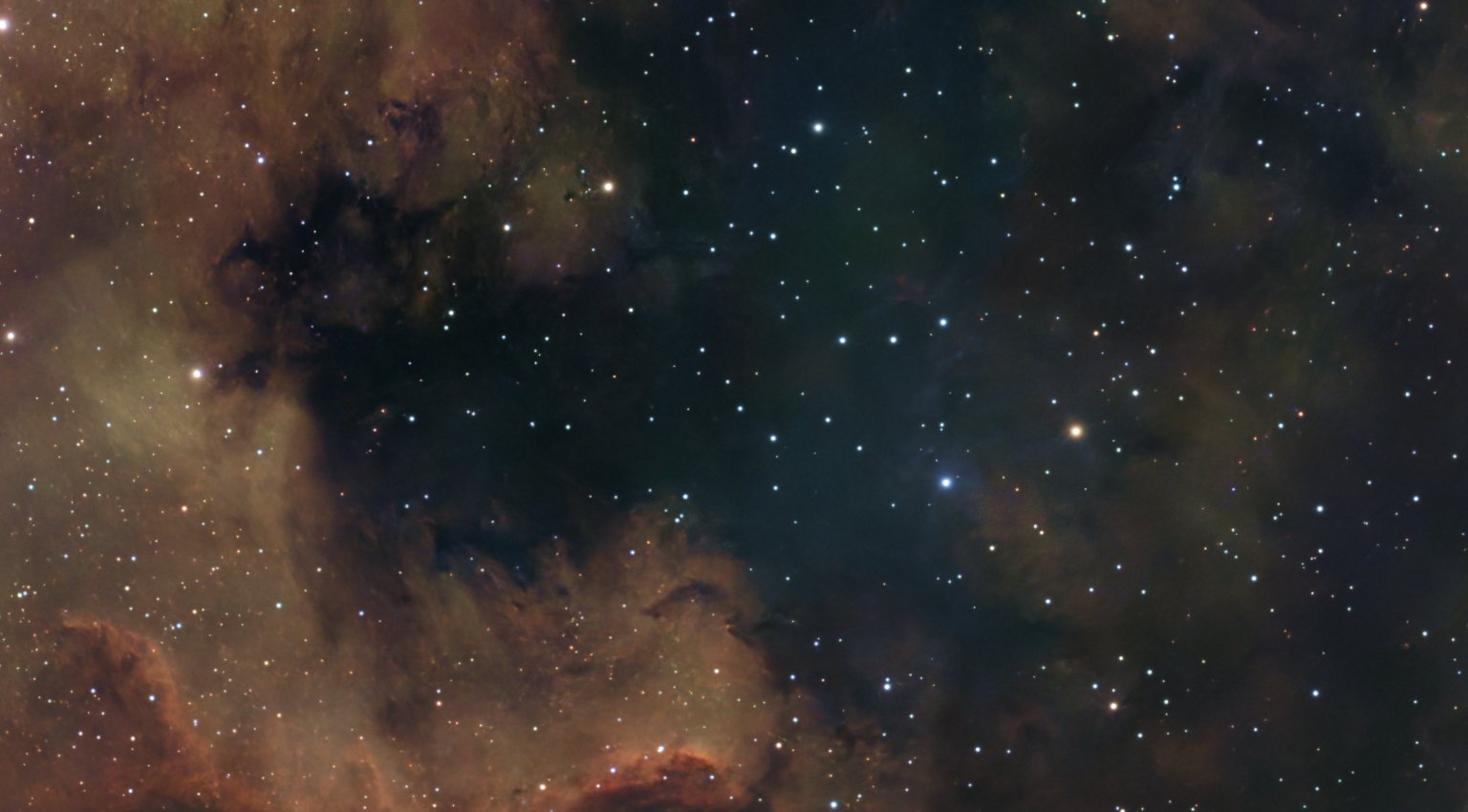
Drag the slider on any example to compare before and after. All of them are the same frame, NGC 7000, shown at a stronger setting than one tap so the effect is easy to see.
Four colour boosts, each for one colour. Boost Red (Hα) and Boost Gold (dust) are shown here. Boost Cyan (OIII) and Boost Blue work the same way; they show best on targets rich in oxygen or blue, which this red field is not.
BeforeAfter
Deepens the red hydrogen-alpha regions and leaves teal alone.
 BeforeAfter
Warms the golden-brown dust lanes and amber star fields.
 BeforeAfter
Lifts the muted colours more than the vivid ones, so nothing tips into oversaturation.
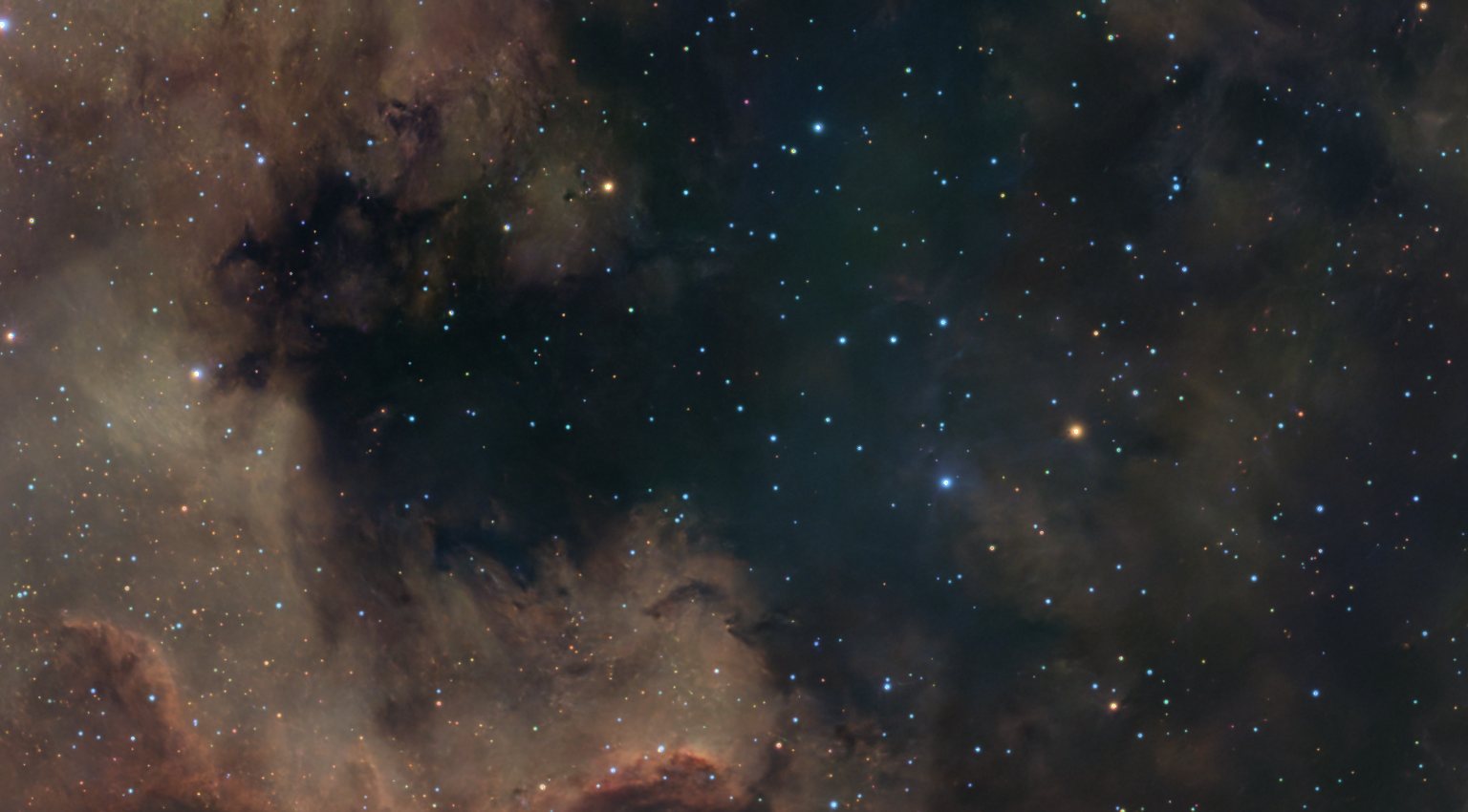 BeforeAfter
Brings out the natural colour of the stars, from blue-white to gold, without touching the nebula.
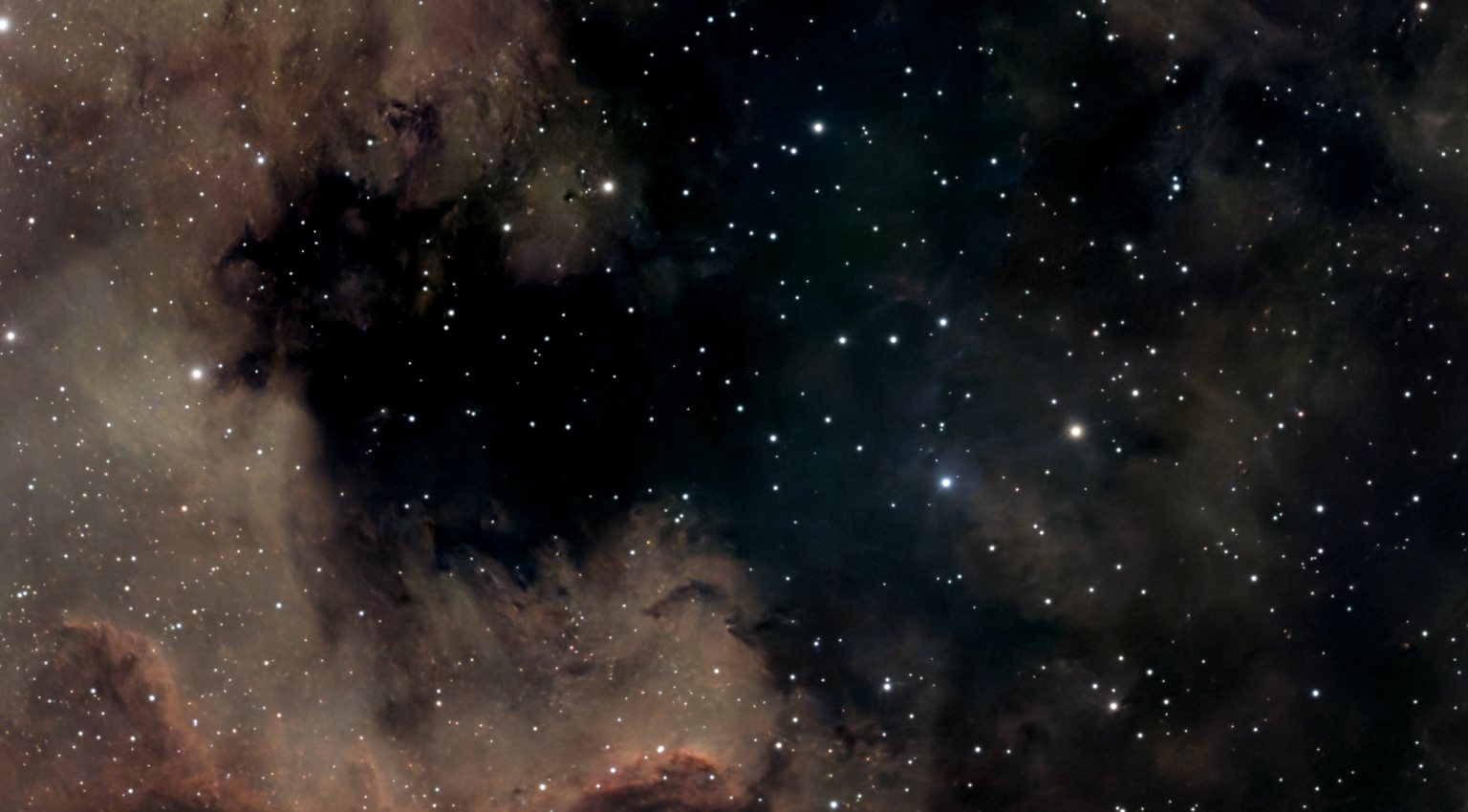 BeforeAfter
Deepens the background without dimming nebula or stars.
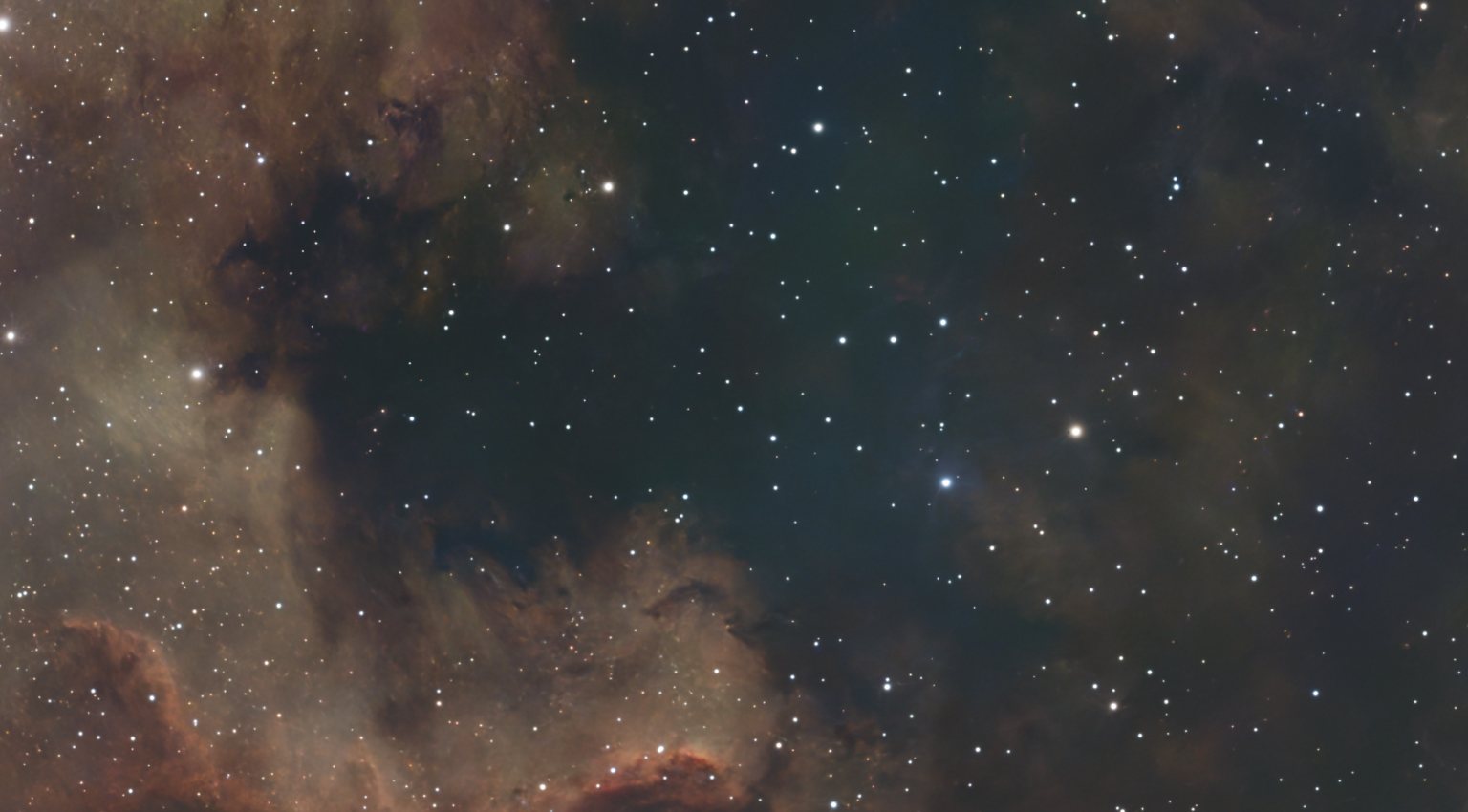 BeforeAfter
Gently lifts a too-dark background to reveal faint outer nebulosity.
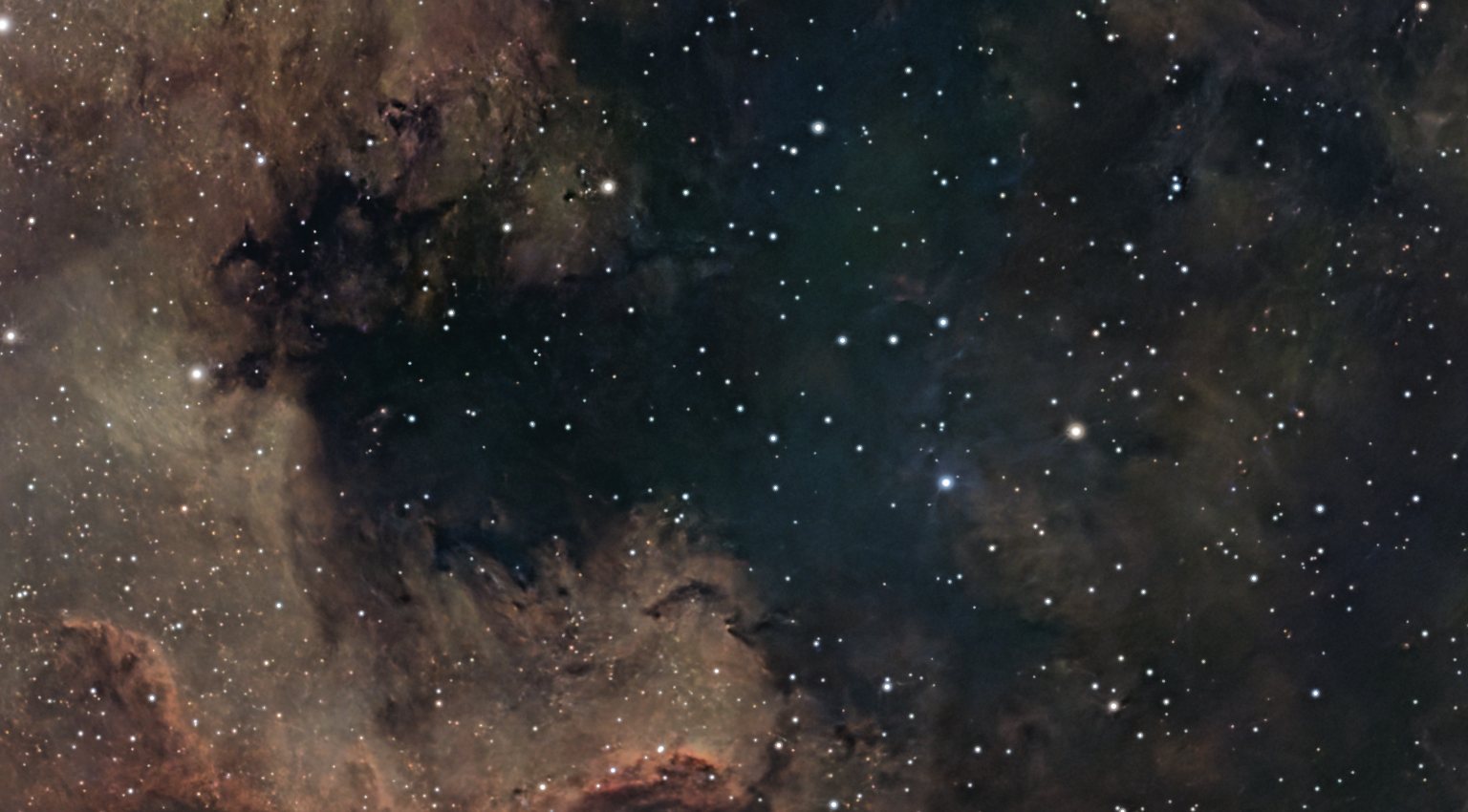 BeforeAfter
Adds definition to dust lanes and dark nebulae without darkening the picture.
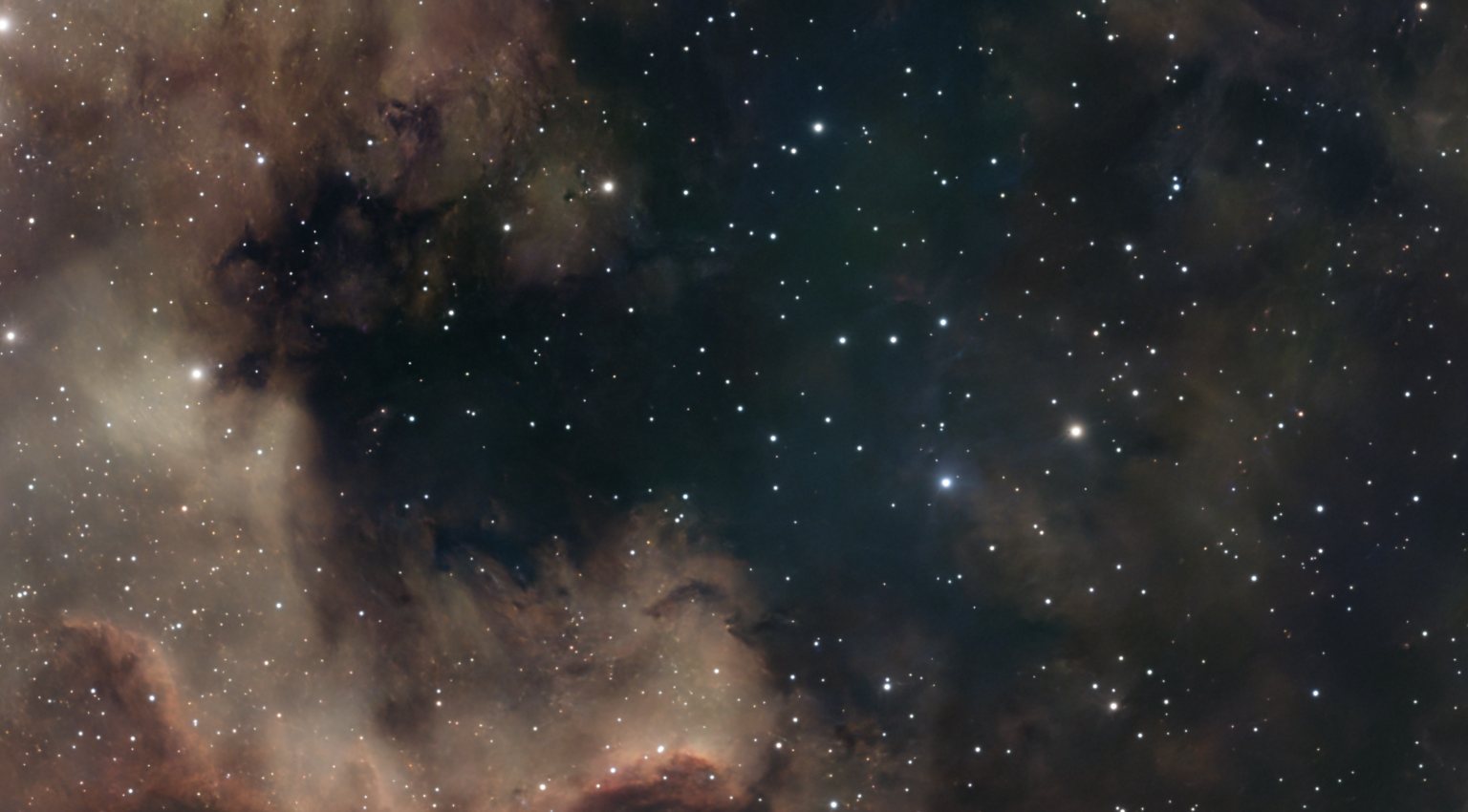 BeforeAfter
A soft, dreamy glow around the bright parts of the picture, in the style of the Orton effect.
Sharpen Nebulosity sharpens the nebula and nothing else. Sharpening a whole astrophotograph mostly sharpens the noise and leaves dark rings around the stars. So this sets the stars aside, sharpens only where there is real signal, and puts the stars back untouched. It is the easiest one to overdo: one or two taps is usually right, and if the noise starts to look like texture, you have gone too far.
Every tap is captured in Recipes and replayed in Batch, so a night of the same target finishes consistently across sessions.
Finishing that survives a batch runDownload Nocturnefree · macOS, Linux & Windows Try it on sample data
New to Nocturne? The guide walks through every step in order.